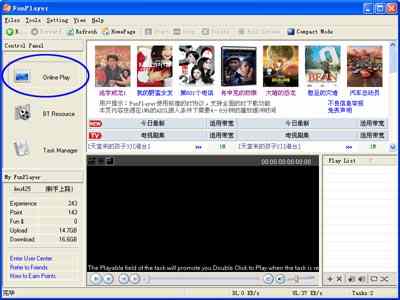
Play a task online:Click “BT resource” button in FunPlayer to display BT movie list from which you can choose movies you want to watch or search by keywords.
Click a certain program and add it to the “Download task”:Detailed information will be showed after you click a movie title. Choose a path for saving the file and then click “OK”
Double click to play:Based on the downloading speed, the buffering will last a few minutes until “Playing prompt” tells you to double click to play. Then do it!


 Three Steps to Use FunPlayer